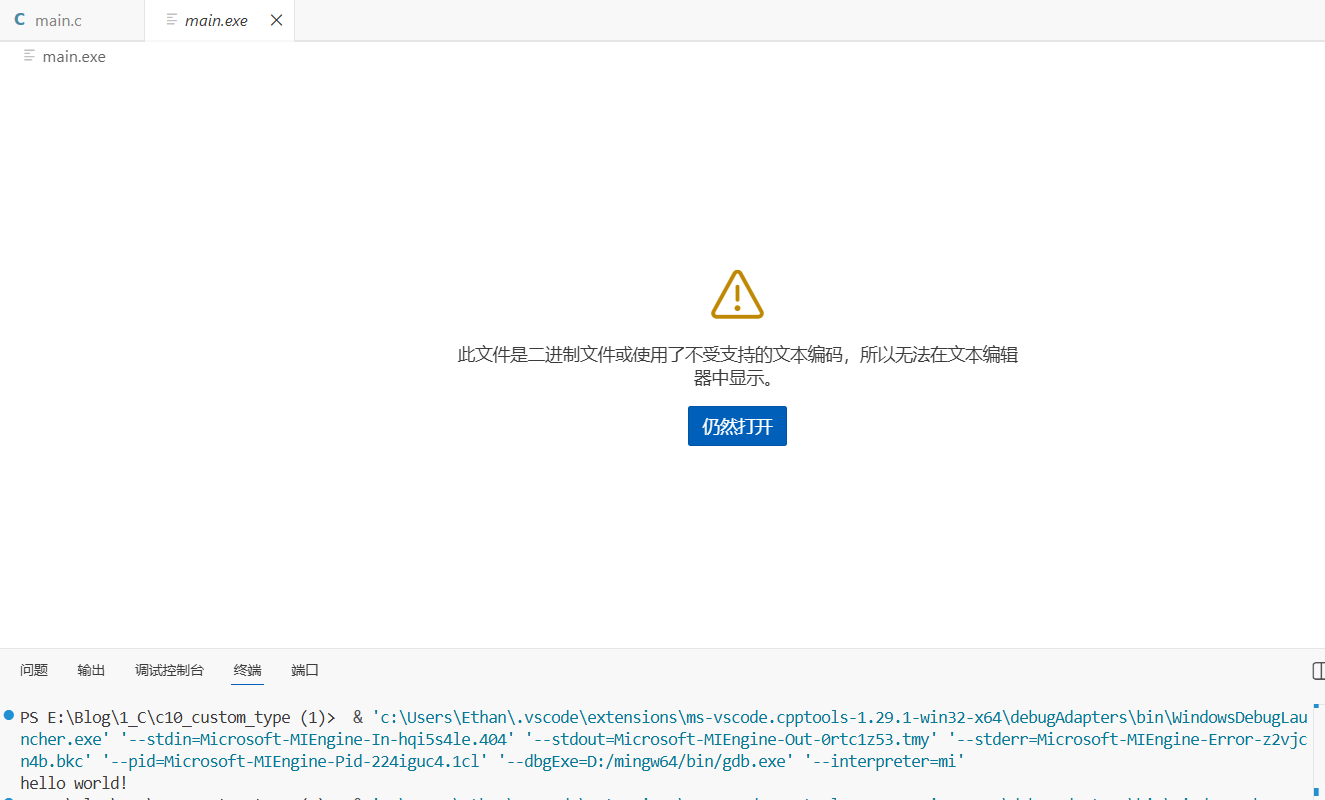
因为在上述的c语言开发中使用windows中vs code 使用的是gcc 文件名.c -o 编译后的文件名
进行编译运行的程序./编译后的文件名 现使用自动化软件进行编译运行如下:
第一步:参数配置
将.vscode文件下载到https://pan.quark.cn/s/38718088c912需要运行的文件夹内
launch.json
1
2
3
4
5
6
7
8
9
10
11
12
13
14
15
16
17
18
19
20
21
22
23
24
25
26
27
28
| {
"version": "0.2.0",
"configurations": [
{
"name": "C/C++ Runner: Debug Session",
"type": "cppdbg",
"request": "launch",
"args": [],
"stopAtEntry": false,
"externalConsole": false,
"cwd": "${fileDirname}",
"program": "${fileDirname}\\${fileBasenameNoExtension}.exe",
"MIMode": "gdb",
"miDebuggerPath": "D:/mingw64/bin/gdb.exe", # 改成你自己的调试器gdb全路径
"setupCommands": [
{
"description": "Enable pretty-printing for gdb",
"text": "-enable-pretty-printing",
"ignoreFailures": true
}
]
}
]
}
|
tasks.json
1
2
3
4
5
6
7
8
9
10
11
12
13
14
15
16
17
18
19
20
21
22
23
24
25
26
| {
"version": "2.0.0",
"tasks":
[
{
"label": "C/C++: gcc.exe build active file",
"type": "process",
"command": "D:/mingw64/bin/gcc.exe", # 改成你自己的路径
"args":
[
"-fdiagnostics-color=always",
"-g",
"${file}",
"-o",
"${fileDirname}\\${fileBasenameNoExtension}.exe"
],
"options":
{
"cwd": "D:/mingw64/bin/" # 改成你自己的路径
},
"group": "build",
"detail": "compiler: D:/mingw64/bin/gcc.exe", # 改成你自己的路径
"problemMatcher": "$gcc"
}
]
}
|
第二步:编译运行
自动运行程序步骤:
编译:vs code–>终端–>运行生成任务
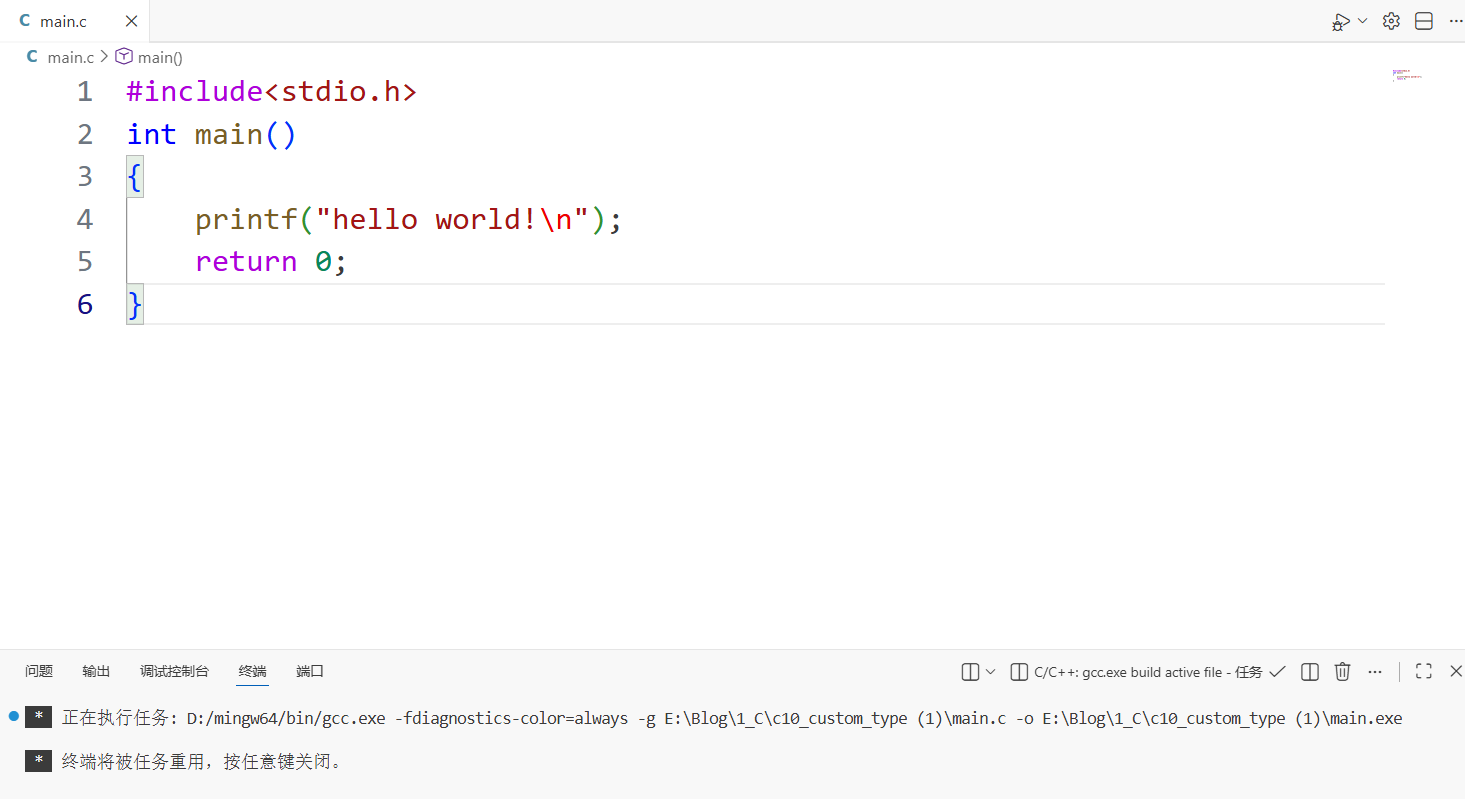
运行:vs code–>运行–>以非调试模式运行